
Platform Features
Use this page as the master contents list for Fisher Portal. It shows what each module does, who normally uses it, and which guide explains the work step by step.
At a Glance
| Module | What it helps you do | Main users | Step-by-step guide |
|---|---|---|---|
| Dashboard and readiness | See current activity, overdue work, pending approvals and readiness trends | All signed-in users | Dashboard and readiness |
| Standards and clauses | Enable ISO, British Standard and SIA standards; assess each clause; plan reviews; export status | FSC Staff, Super Admin | Standards and clauses |
| Audits and findings | Plan audits, record findings and connect issues to a standard or clause | FSC Staff, Super Admin | Managing audits |
| Compliance actions | Assign corrective work, due dates and owners; complete or reopen actions | FSC Staff, Super Admin | Compliance actions |
| Evidence register | Link portal documents or external sources to compliance clauses and track verification | FSC Staff, Super Admin | Evidence management |
| Registers | Build structured operational registers with custom fields | Client Admin, Super Admin | Managing registers |
| Register entries and approvals | Add records, filter data, use saved views, comment, approve and export | Client Staff, Client Admin, Super Admin | Register entries and workflow |
| Documents | Organise controlled files and folders, view details and download current copies | Client Staff, Client Admin, Super Admin | Managing documents |
| SharePoint libraries | Connect Microsoft SharePoint, create library sources and synchronise files | Client Admin, Super Admin | SharePoint integration |
| News, FAQs, HR, events and countdowns | Keep staff informed with published guidance, dates and deadlines | Client Staff, Client Admin, Super Admin | News and portal content |
| Spaces, pages and departments | Build and publish structured internal pages and department hubs | Client Admin, Super Admin | Page builder |
| Users and roles | Add staff, assign client access and control what people can manage | Client Admin, Super Admin | Managing users |
| Clients and templates | Set up organisations and deploy the correct register and document packs | Super Admin | Managing clients and template management |
| Branding | Apply the organisation’s logo, colour and portal presentation | Client Admin, Super Admin | Client branding |
| Search and saved searches | Search across operational content and keep useful searches for later | All signed-in users | Search and saved searches |
| Notifications and preferences | Follow workflow alerts, clear completed notifications and choose light or dark mode | All signed-in users | Notifications and profile settings |
| Support tools | Enter a client context or temporarily view the portal as another user | Super Admin | Platform overview and impersonation |
Compliance Management
Fisher Portal brings the main compliance records together. A standard contains clauses. Clauses can have an implementation status, a red/amber/green position, evidence, a next review date and corrective actions. Audits then provide a formal review route and can produce findings and follow-up work.
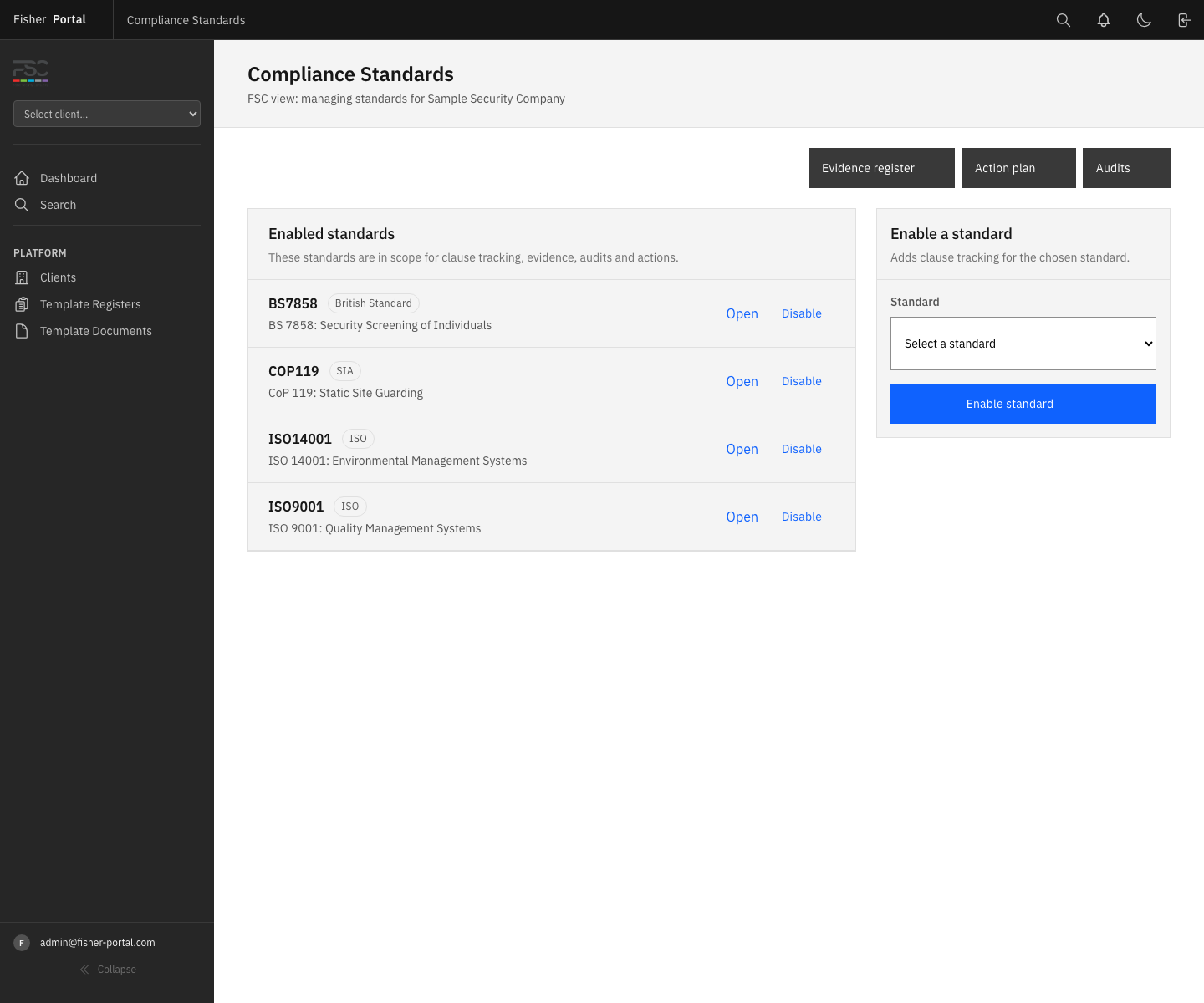
See which ISO, British Standard and SIA requirements are enabled for the client.
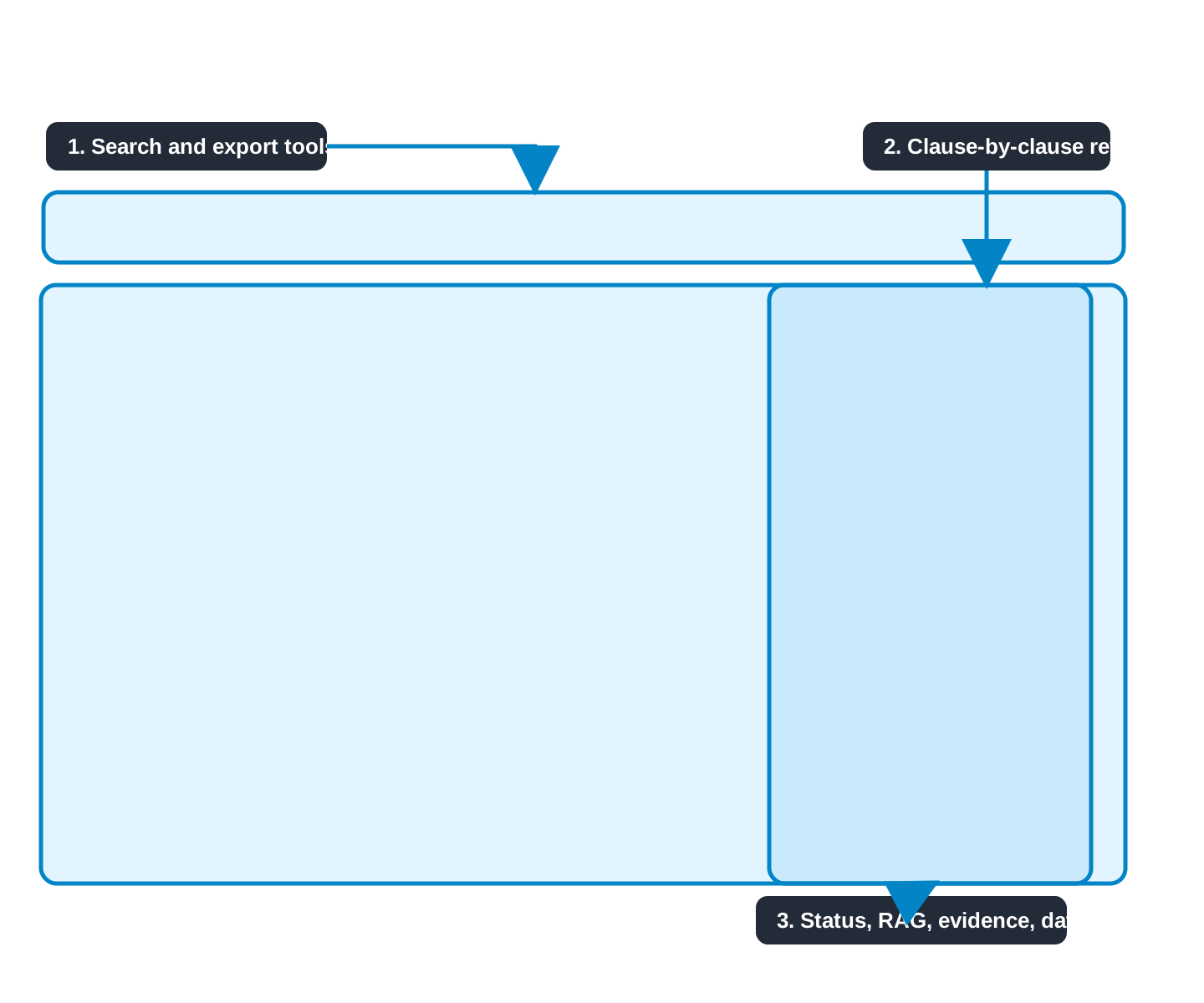
Update progress, RAG position, evidence coverage and the next review date.
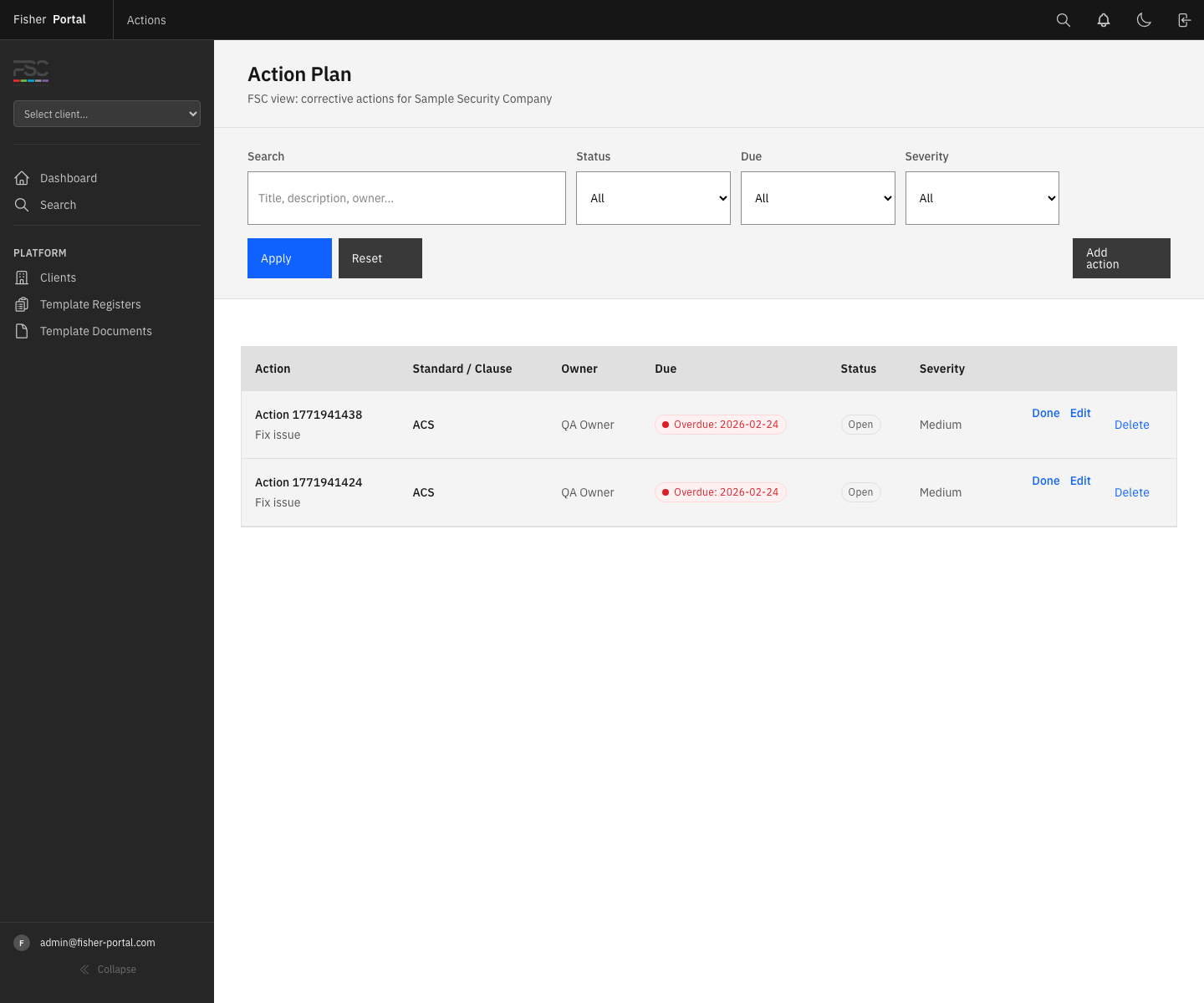
Turn gaps and findings into owned actions with clear due dates.
The normal compliance cycle is:
- Enable the standards that are in scope.
- Review each clause and record the current implementation and RAG status.
- Link evidence from portal libraries or an approved external source.
- Schedule or complete an audit.
- Record findings and create corrective actions.
- Review overdue work from the readiness dashboard.
Open the compliance module overview →
Registers and Operational Records
Registers turn recurring compliance work into structured records. Each register can use its own field layout, including text, dates, numbers, choices, files and user fields. Entries move through Draft, Submitted, Approved and Rejected states.
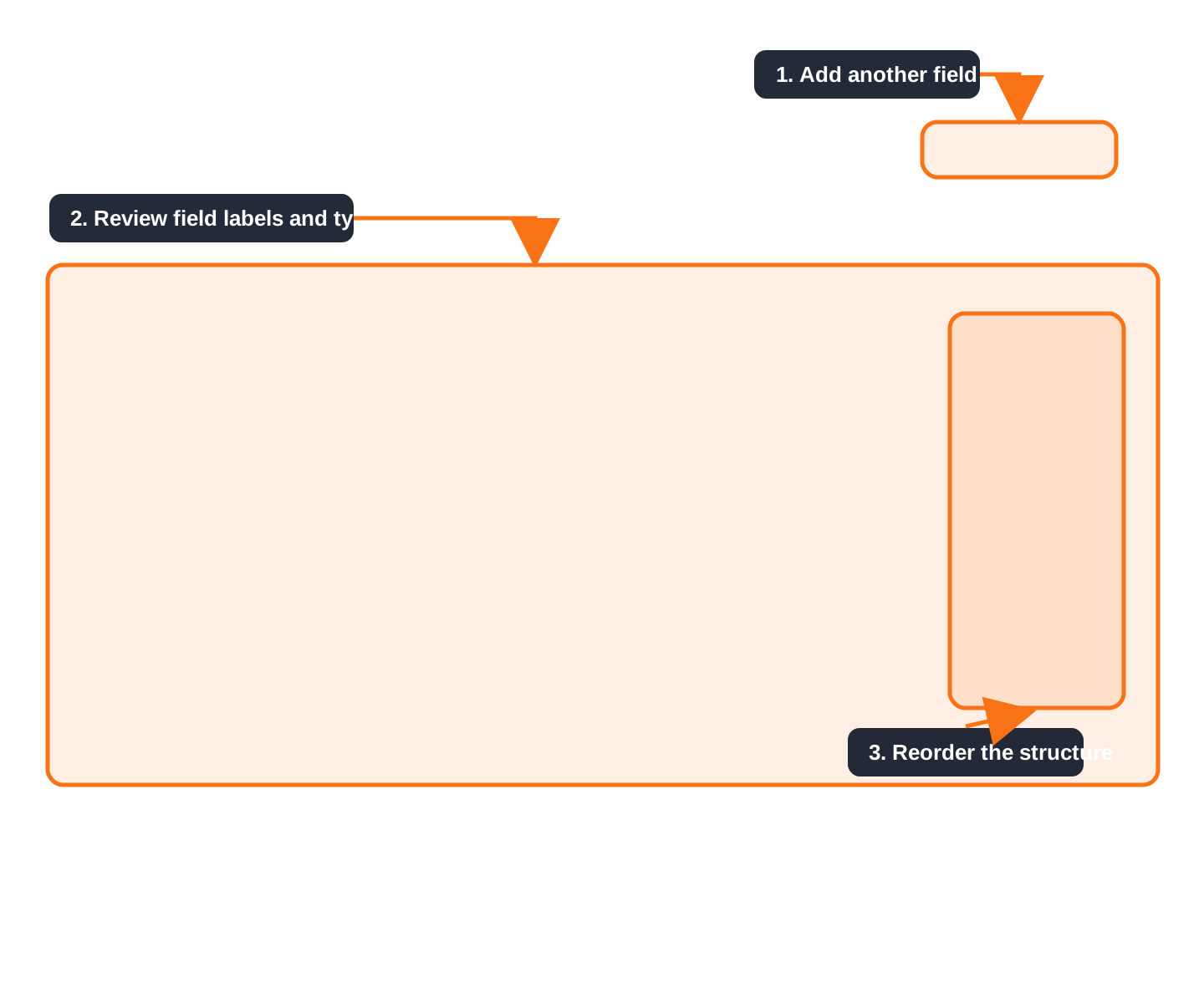
Build the fields needed for incidents, checks, training, equipment or any other operational record.
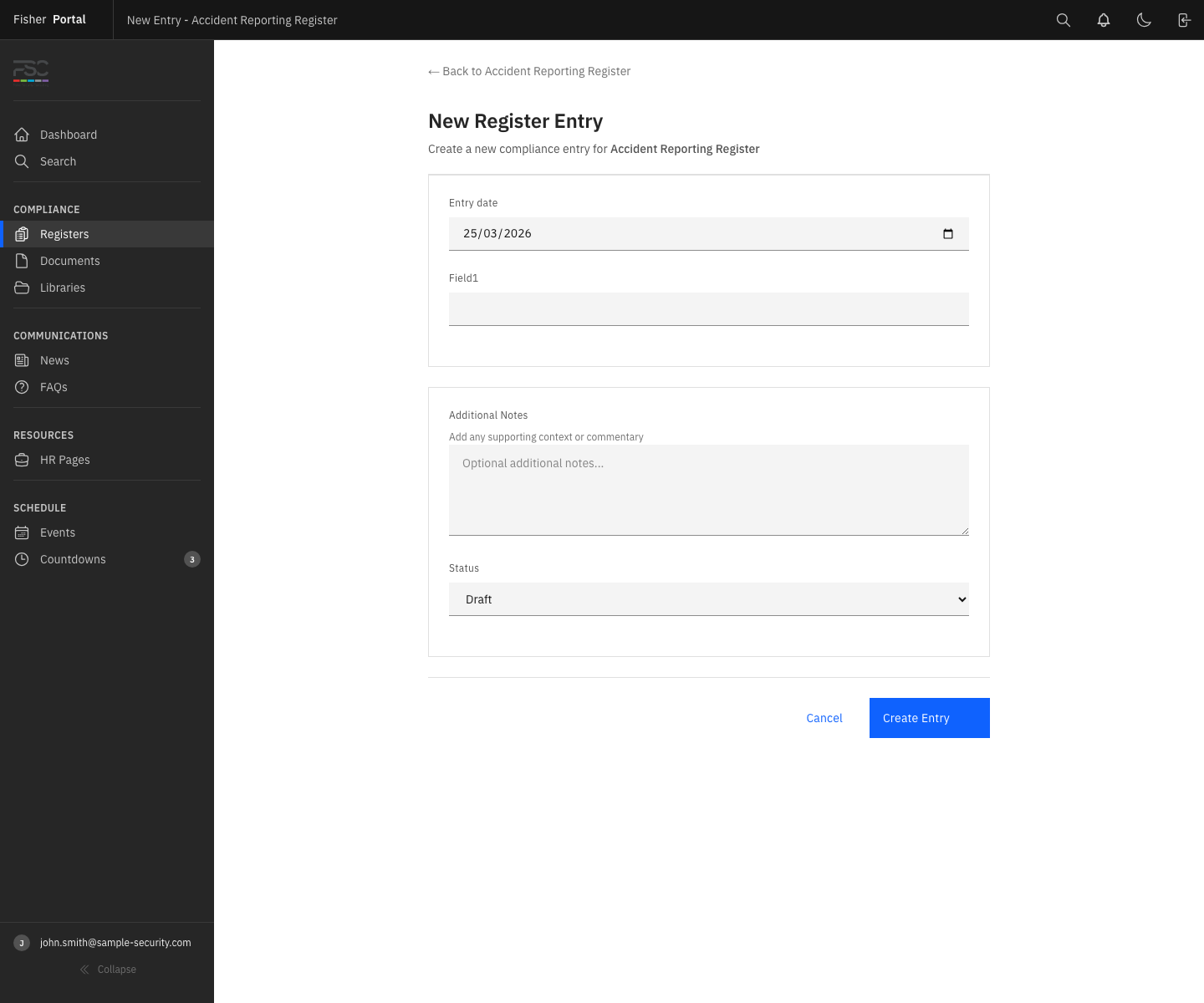
Staff complete a clear form based on the register’s field setup.
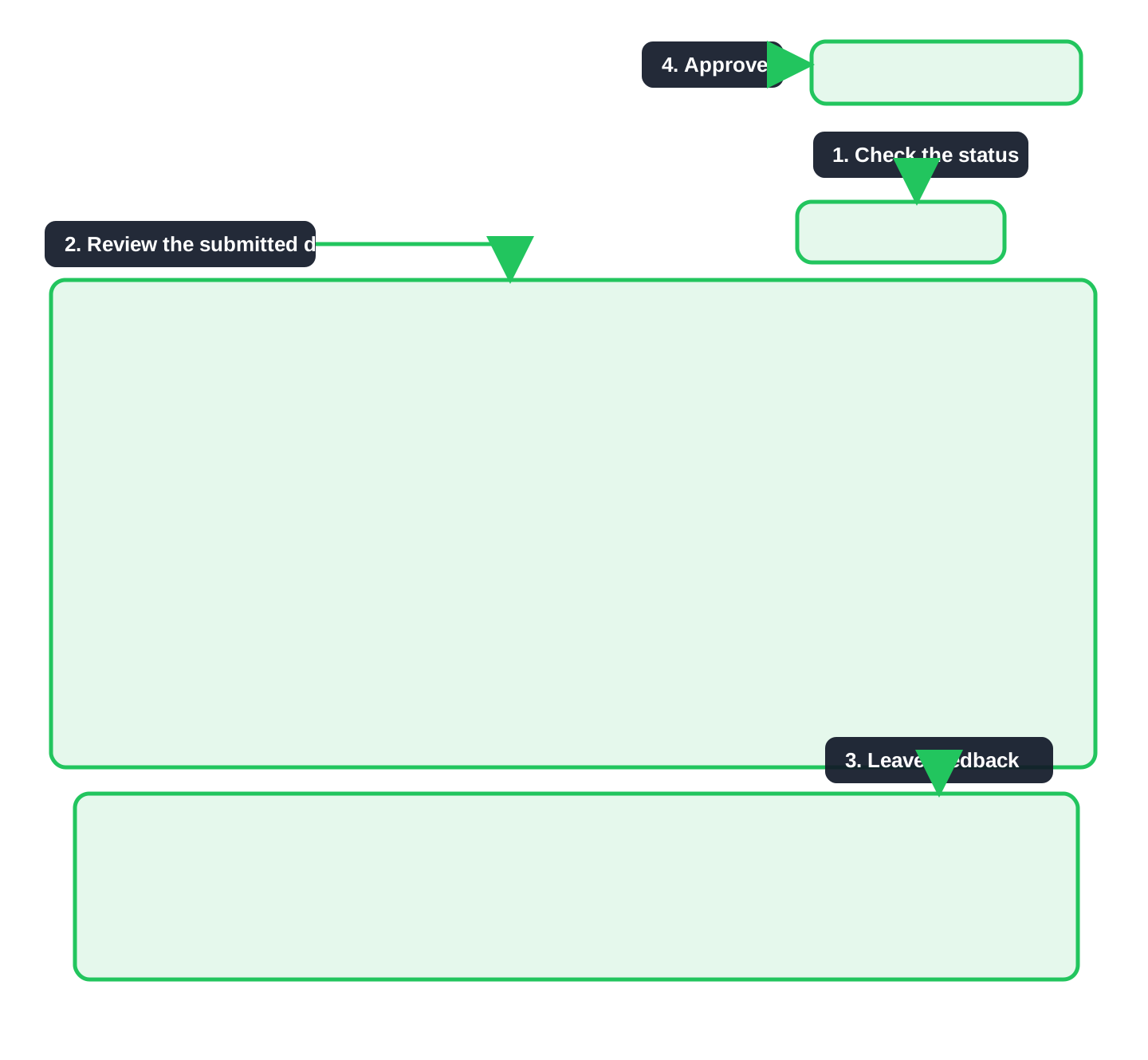
Administrators can review submitted records, comment and make an approval decision.
Open the Client Admin register workflow →
Documents and SharePoint
The portal supports two connected document experiences:
- Documents holds portal-managed files and folders, including deployed templates and controlled company documents.
- Libraries provides a browsable view of configured document sources, including SharePoint-connected libraries.
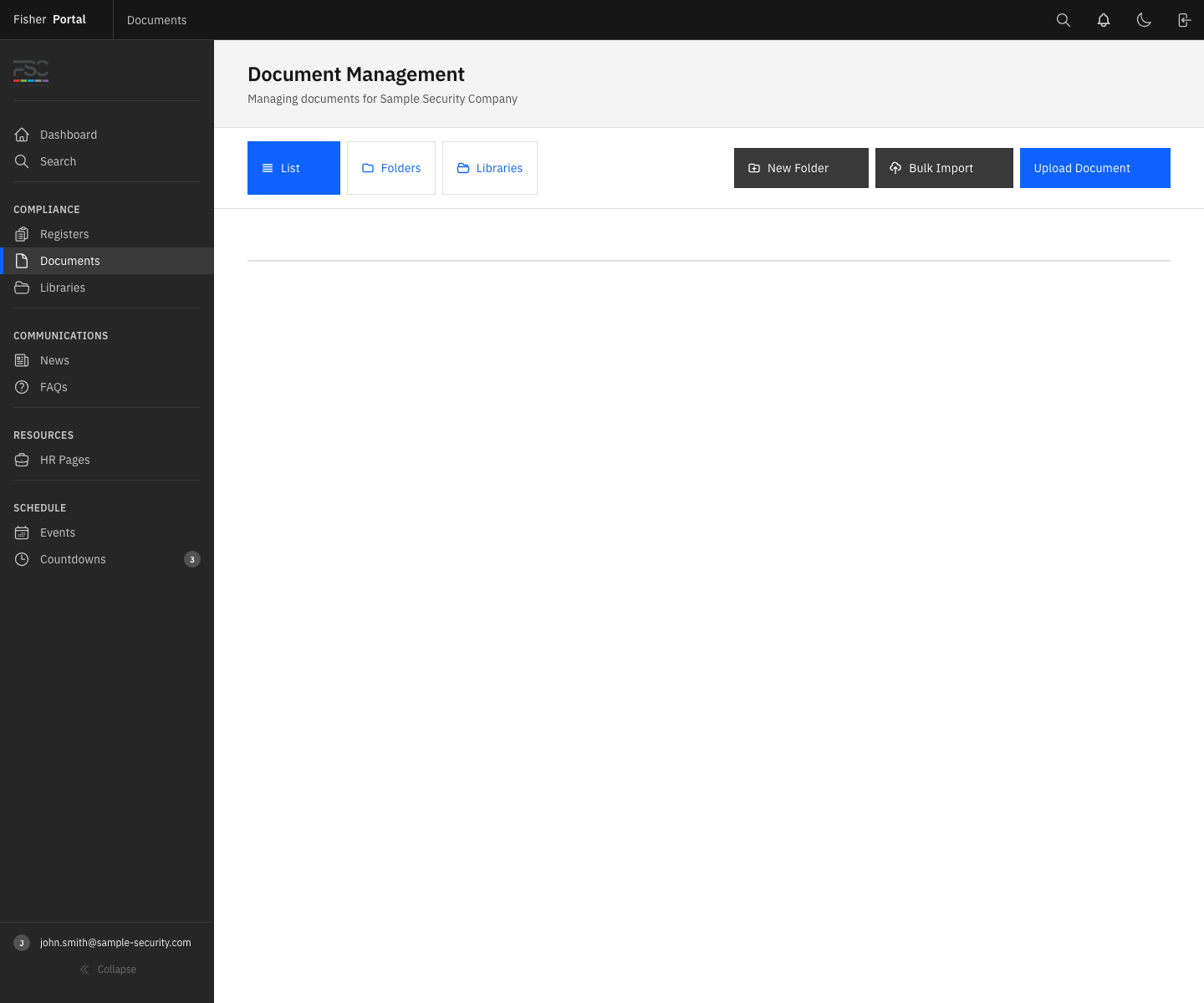
Keep policies, procedures, forms and records in an organised folder structure.
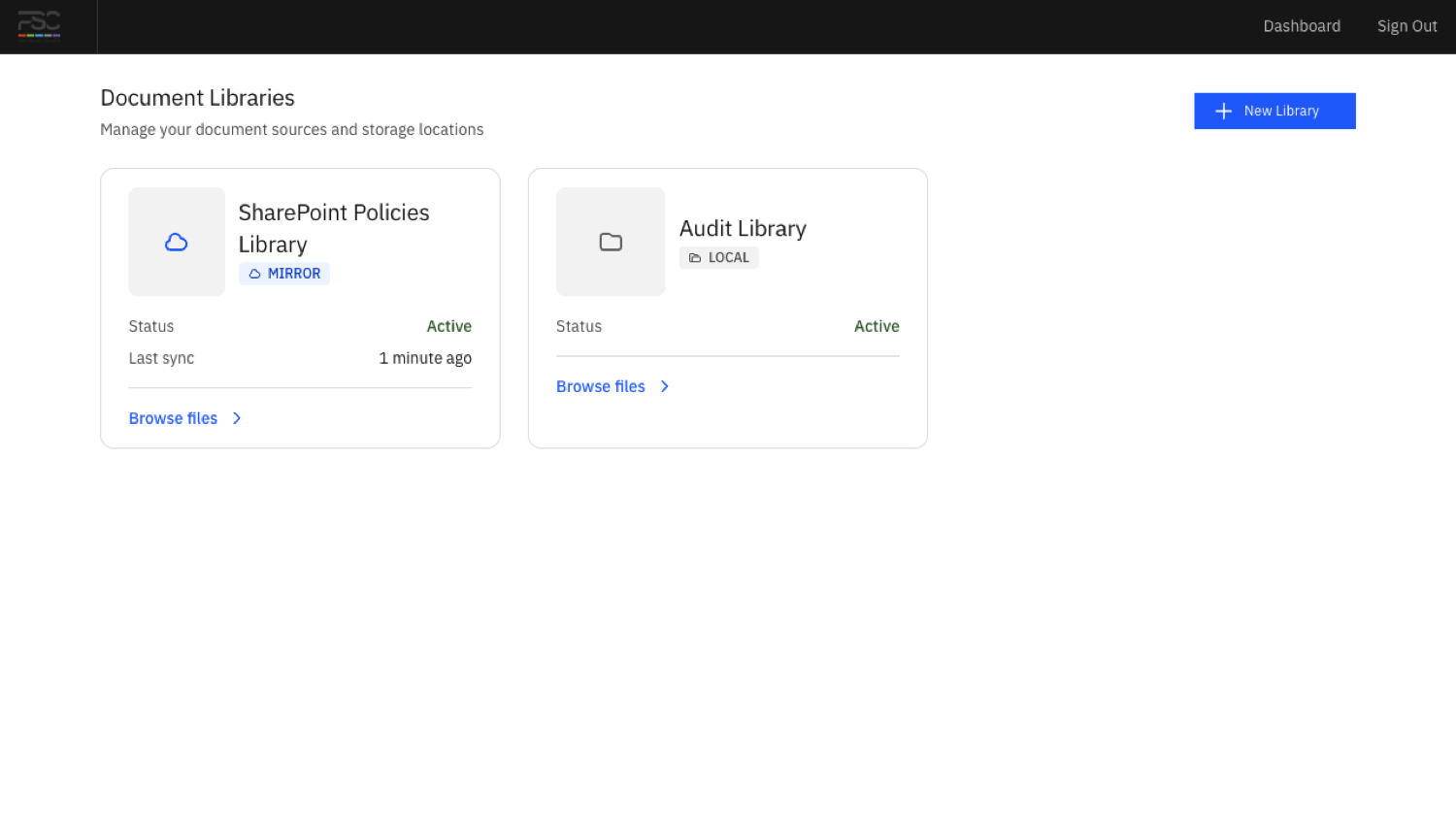
Bring approved SharePoint content into the same portal navigation.
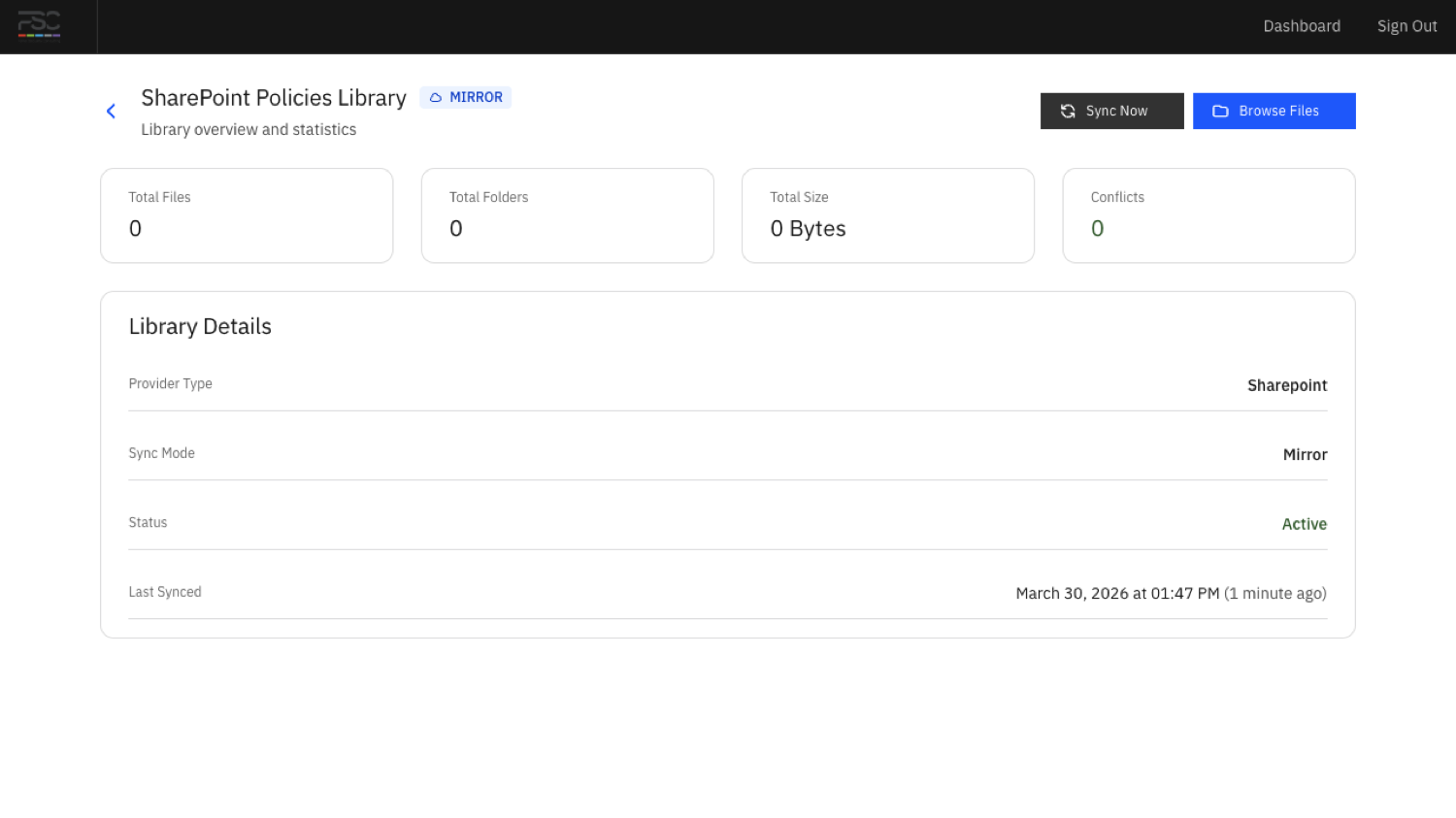
Check a source, run a sync and review the library before staff browse it.
Open the document guide → · Open the SharePoint guide →
Communications and Internal Pages
Client Admins can publish news, FAQs, events, countdowns and HR resources. Spaces, pages, page templates and department pages provide a richer internal site for guidance, useful links and team information.
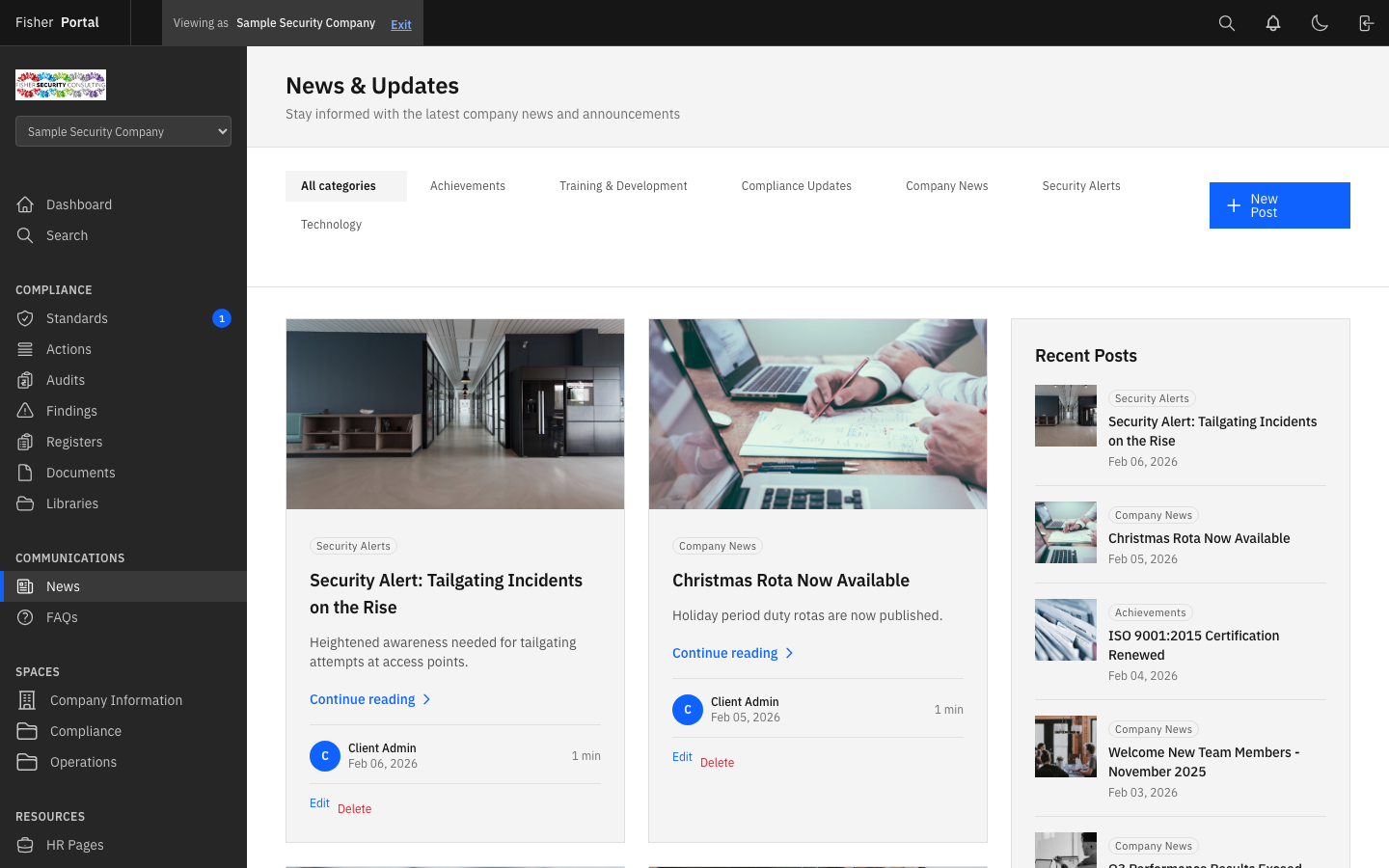
Publish news and guidance for the organisation.
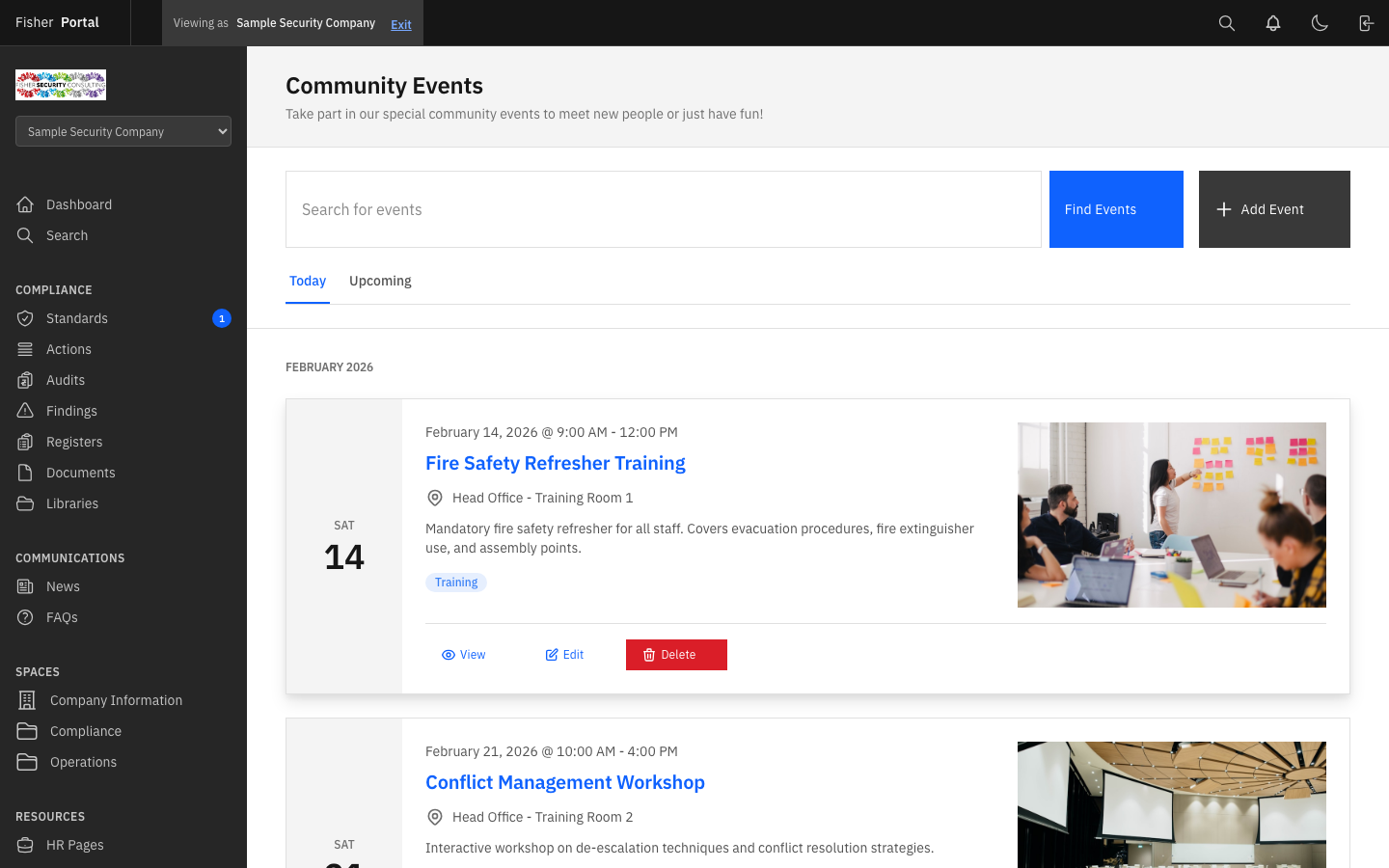
Share audits, reviews, training and operational events.
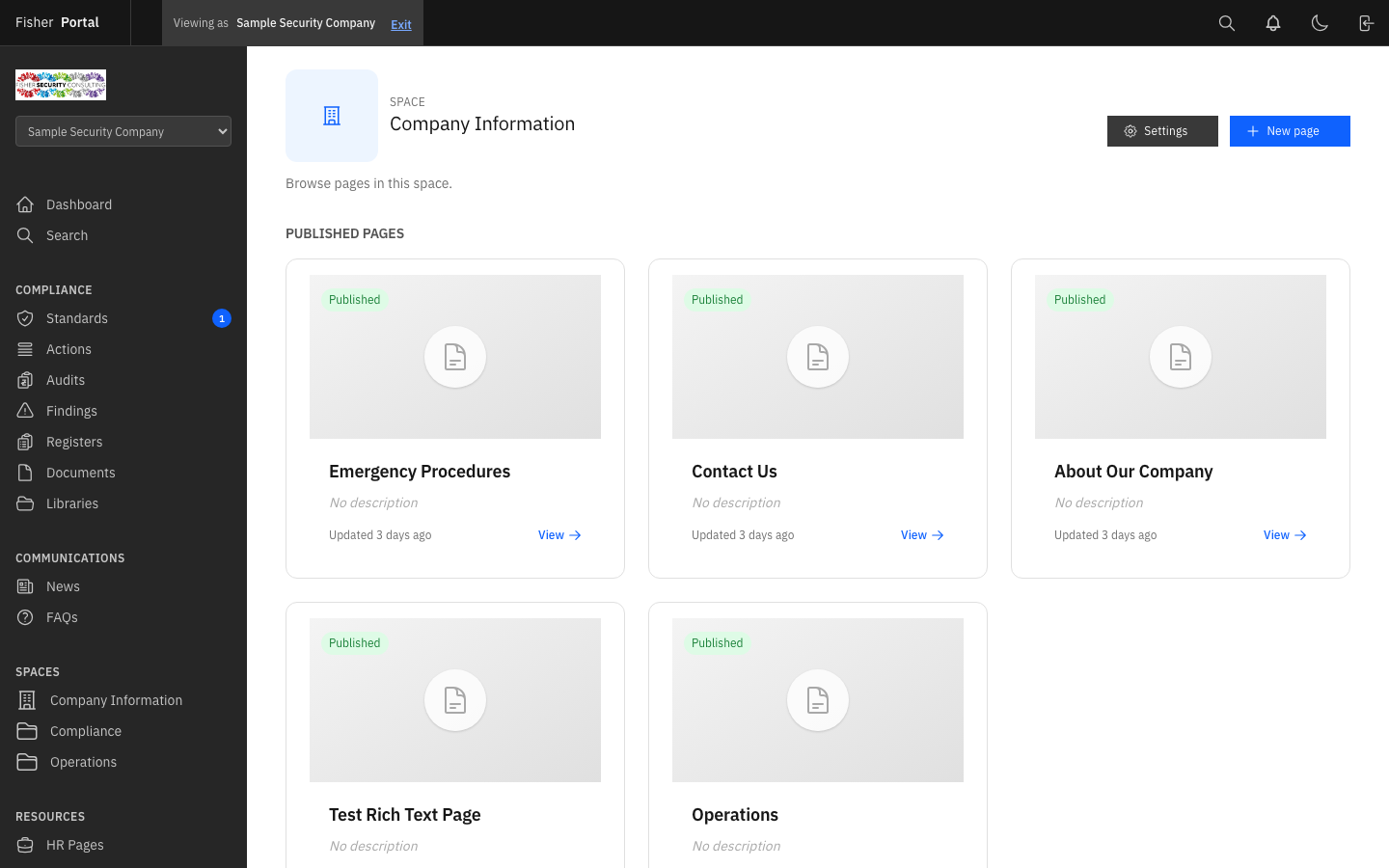
Group published pages into clear staff spaces and department hubs.
Open the content management guide → · Open the page builder guide →
Platform and Client Administration
Super Admins manage the whole service. They can create client organisations, deploy template packs, manage platform users, switch into a client context and use impersonation for controlled support. Client Admins manage day-to-day settings inside their own organisation.
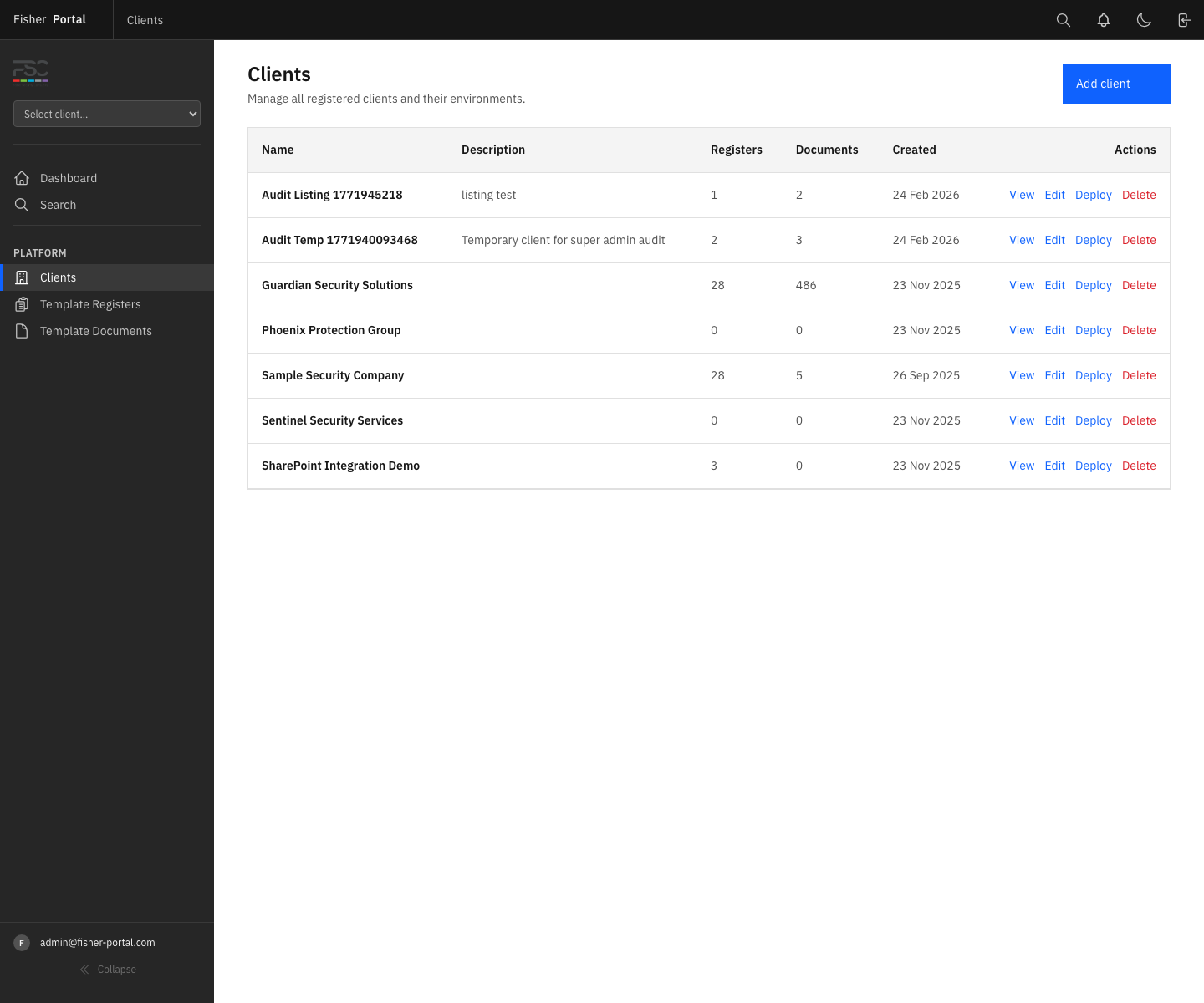
Open each organisation and review its users, registers, documents and setup.
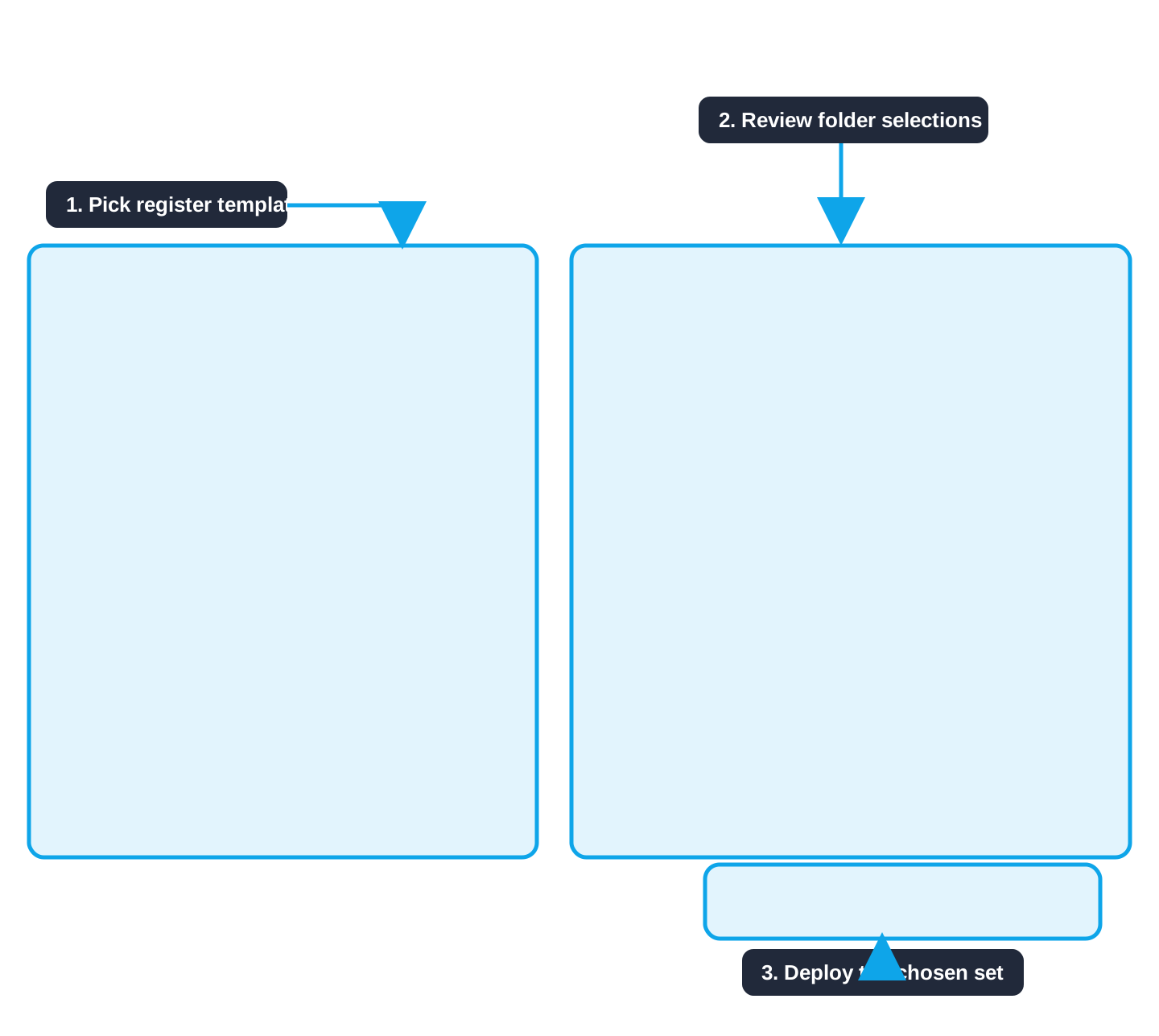
Deploy the right register and document templates for each client.
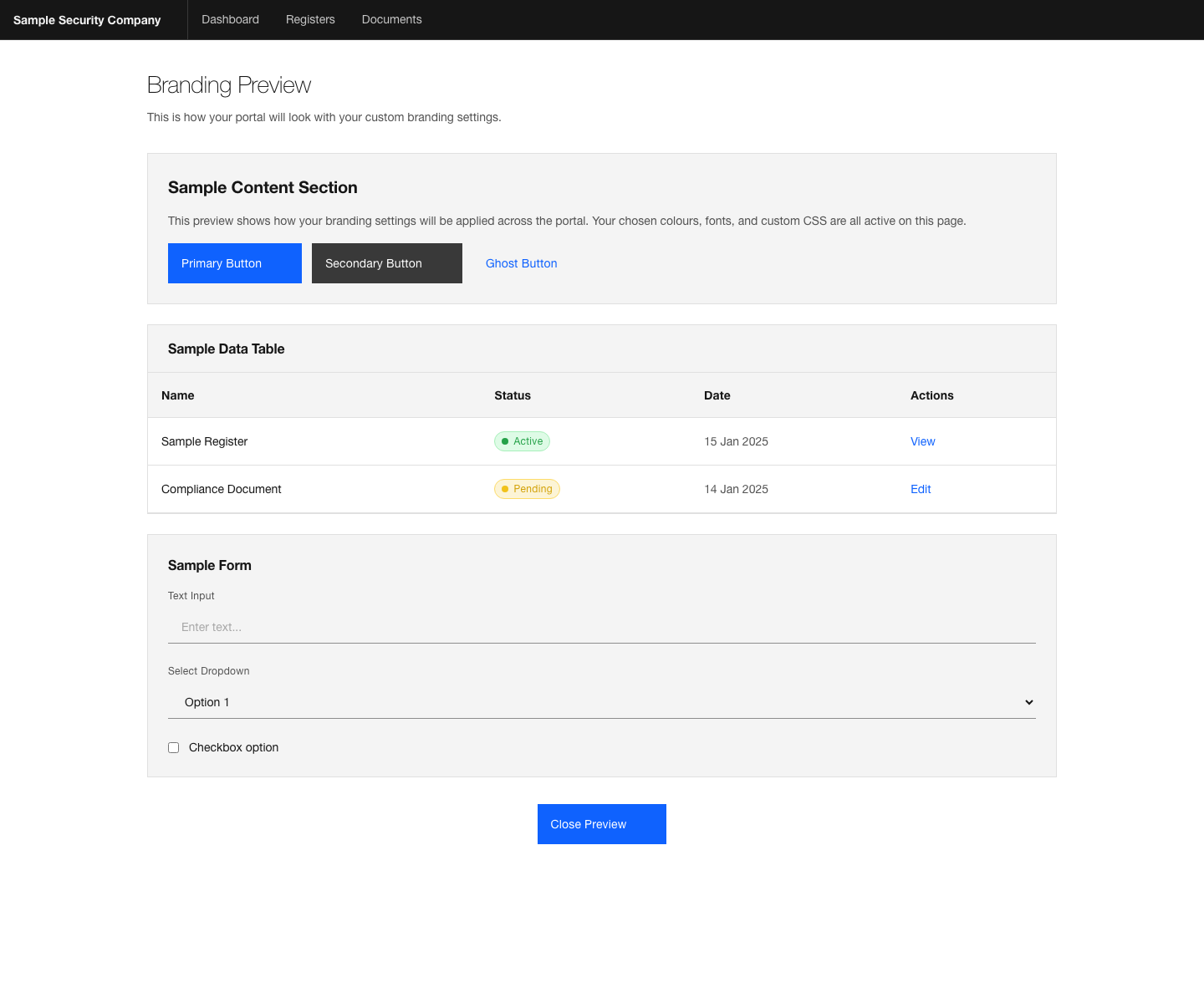
Preview the client experience before applying visual changes.
Everyday Tools
Search covers registers, entries, documents, connected library items, news, FAQs, events, HR pages, countdowns and notifications. The results remain limited to information the signed-in user is allowed to see.
Notifications highlight activity that needs attention. Theme and account preferences follow the user between visits.
Open search and saved searches → · Open notifications →